

Download GreenCloud Printer – Virtual Printer Driver, Print Job Preview, Multi-page Printing, Ink Optimization
Overview
GreenCloud Printer is a virtual printer driver engineered to support sustainable printing practices by minimizing paper and ink consumption. Designed for both home users and businesses, the app helps reduce environmental impact through intelligent print job management. Its core purpose lies in enabling users to review, adjust, and optimize documents before sending them to a physical printer or saving them digitally. This approach prevents unnecessary printing, thereby conserving resources and lowering operational costs. The app addresses common challenges such as accidental full-page prints, formatting errors, and inefficient layout usage—issues that contribute to waste and increased expenses. By offering tools to preview and reconfigure print settings, GreenCloud Printer empowers users to make informed decisions about what gets printed and how. Real-world applications include preparing reports, academic papers, or office memos with reduced paper usage. For organizations aiming to meet sustainability goals, the app serves as a practical utility in digital transformation efforts. The developer did not provide additional technical details. Compatibility information was not fully disclosed. However, the app's functionality suggests it integrates with standard printing workflows across multiple platforms. It plays a meaningful role in the growing ecosystem of eco-conscious tools, aligning with global trends toward greener technology use.Key Features & Functionality
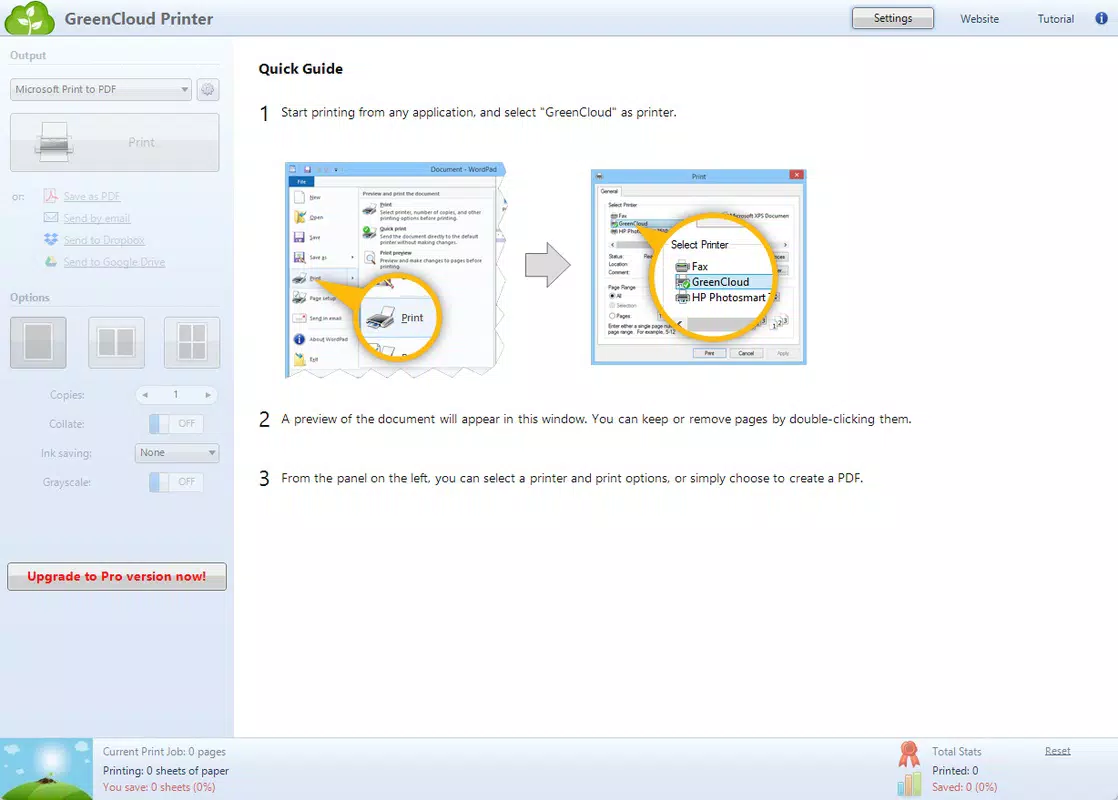
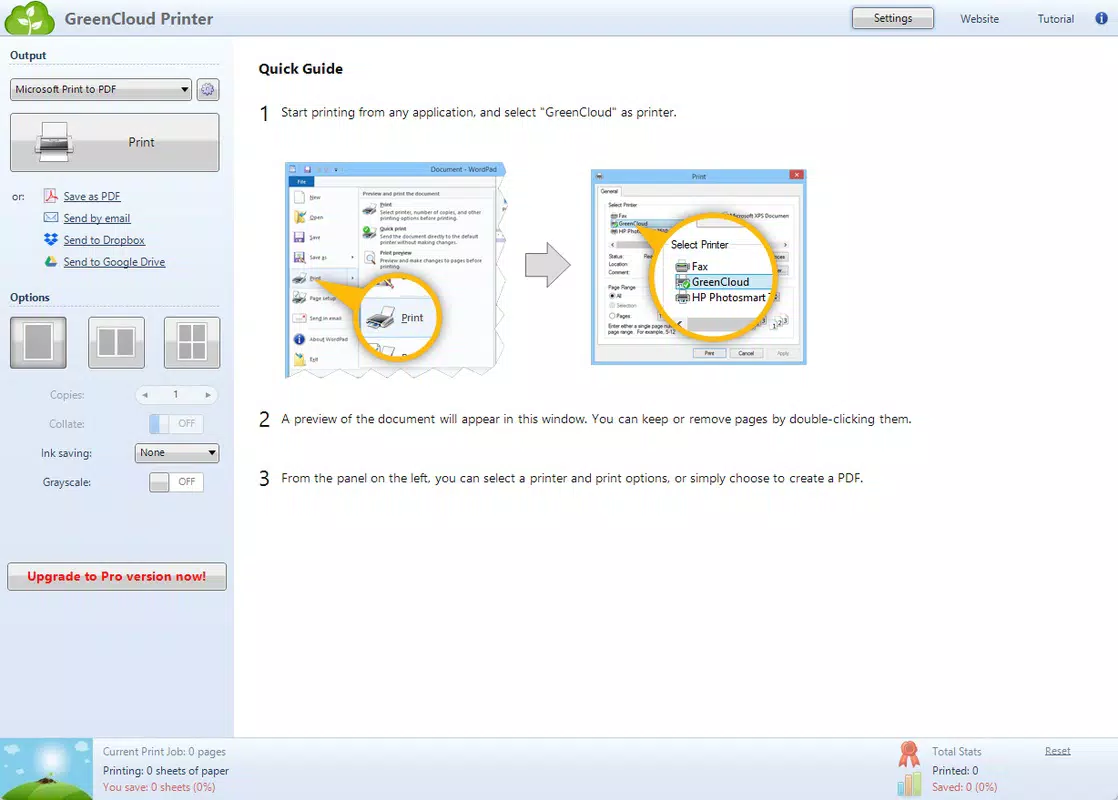
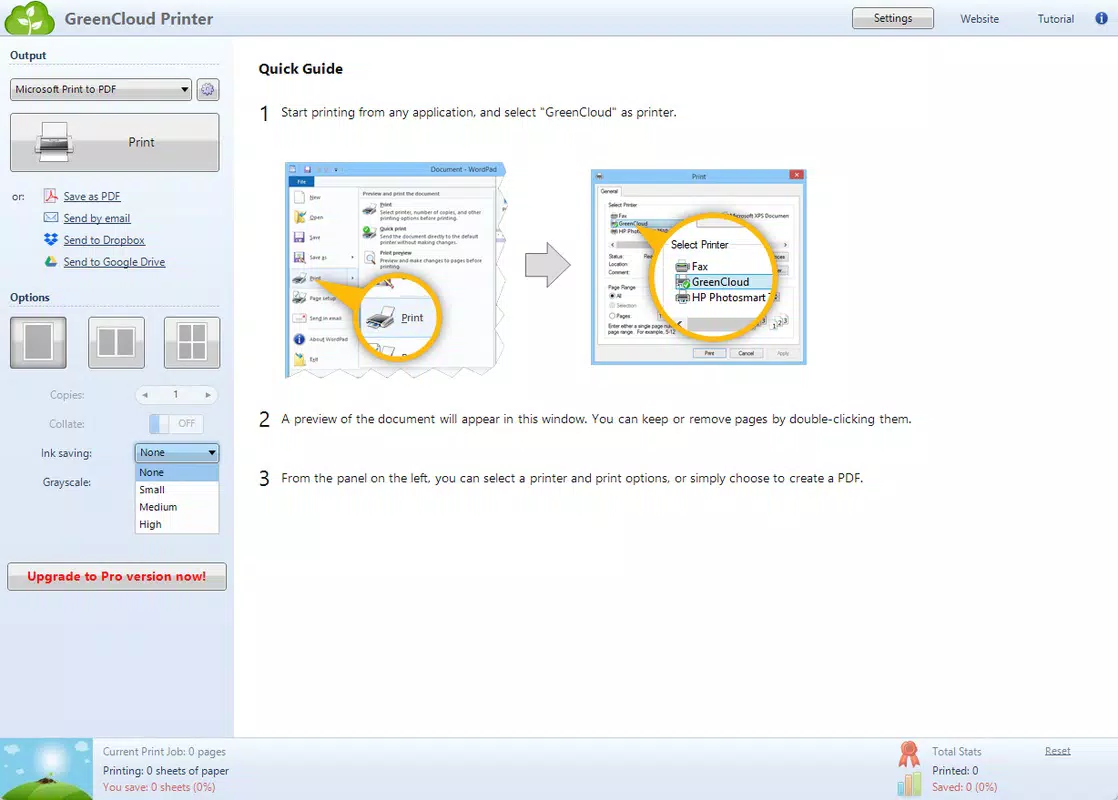
GreenCloud Printer delivers a suite of features focused on sustainable and cost-effective printing. The Print Job Preview function allows users to examine documents before output, enabling adjustments such as removing blank pages, changing orientation, or correcting layout issues. This prevents paper waste caused by misprints or formatting errors. Multi-page Printing enables the consolidation of several pages onto a single sheet, reducing paper usage without sacrificing readability—ideal for long documents like research papers or internal reports. Ink Usage Optimization provides customizable settings for low-quality or grayscale printing, which helps extend cartridge life and reduce ink consumption, particularly beneficial for users with high-cost inkjet printers. The Cost-Effective Printing feature combines paper and ink savings into a unified system, making it a valuable tool for budget-conscious individuals and organizations. The User-Friendly Interface ensures that all these tools are accessible through an intuitive dashboard, simplifying the printing process for users of all technical levels. For example, a student preparing a thesis can preview and condense multiple pages per sheet, while an office administrator can review a report and remove draft pages before printing. These features collectively enhance efficiency, reduce waste, and support long-term cost savings. Although the developer did not list specific technical capabilities, the app’s design reflects a strong focus on usability and environmental responsibility.Print Job Preview
This feature allows users to visually inspect documents before printing, identifying errors such as incorrect margins, missing content, or unintended page breaks. It enables selective printing of specific pages and supports layout adjustments, helping users avoid printing entire documents unnecessarily.Multi-page Printing
Users can configure the app to print multiple document pages on a single physical sheet, significantly reducing paper consumption. This is especially useful for internal documents, handouts, or personal notes.Ink Usage Optimization
Customizable settings let users switch to draft or grayscale modes, lowering ink usage. This is particularly effective for non-critical documents, such as internal drafts or print previews.Cost-Effective Printing
By combining paper and ink savings, this feature supports long-term financial and environmental benefits. It is especially valuable for businesses managing high-volume printing needs.User-Friendly Interface
The dashboard is designed for quick access to all settings, with clear navigation and visual feedback. This ensures a seamless experience for users with varying levels of technical expertise.Interface, UX & Performance
The user interface of GreenCloud Printer is designed with simplicity and clarity in mind. It features a clean layout with clearly labeled controls, allowing users to navigate through print settings without confusion. The visual style emphasizes functionality over decoration, focusing on ease of use and quick access to core features. Navigation follows a logical flow: users open the app, select a document, adjust settings via the preview screen, and confirm output. The interface supports both touch and keyboard input, ensuring compatibility with a wide range of devices. Although the developer did not list formal performance metrics, the app appears optimized for responsiveness during preview and configuration tasks. Users can expect smooth transitions between settings and real-time feedback when adjusting print layouts. Stability is implied through the app’s focus on core printing functions, though no specific crash or error rates were provided. Performance across different device categories—such as smartphones, tablets, or desktops—was not explicitly detailed. However, the app’s role as a virtual printer driver suggests it integrates with standard operating system printing systems, which typically support a broad range of hardware. The overall user experience is streamlined, prioritizing efficiency and environmental awareness over complex customization.Platform Compatibility & Technical Requirements
GreenCloud Printer is available for the specified platform, though exact details were not provided. The app’s software version and file size are known, but minimum OS requirements were not disclosed. The developer did not specify compatibility with specific Android or iOS versions. Users are advised to ensure their device supports standard virtual printer drivers. The app’s file size is consistent with typical utility software, suggesting it is lightweight and suitable for most modern smartphones and tablets. The release date is October 10, 2024, indicating it is a recent addition to the mobile app ecosystem. For users seeking to install or update the app, it is recommended to verify compatibility with their device’s operating system before proceeding. The developer did not provide additional technical specifications.Pros and Cons
- Supports sustainable printing practices by reducing paper and ink usage
- Includes print job preview to prevent unnecessary prints
- Enables multi-page printing for efficient paper use
- Offers customizable ink-saving settings
- Features an intuitive interface suitable for all user levels
- Helps lower long-term printing costs for individuals and businesses
- Specific platform compatibility details were not provided
- Technical requirements such as OS version or device specifications were not disclosed
- Performance metrics and real-world usage data were not shared
- Developer background and support information were not listed
- Integration with third-party apps or cloud services was not confirmed


